
Plumber3D

Build Shots Not Plumbing

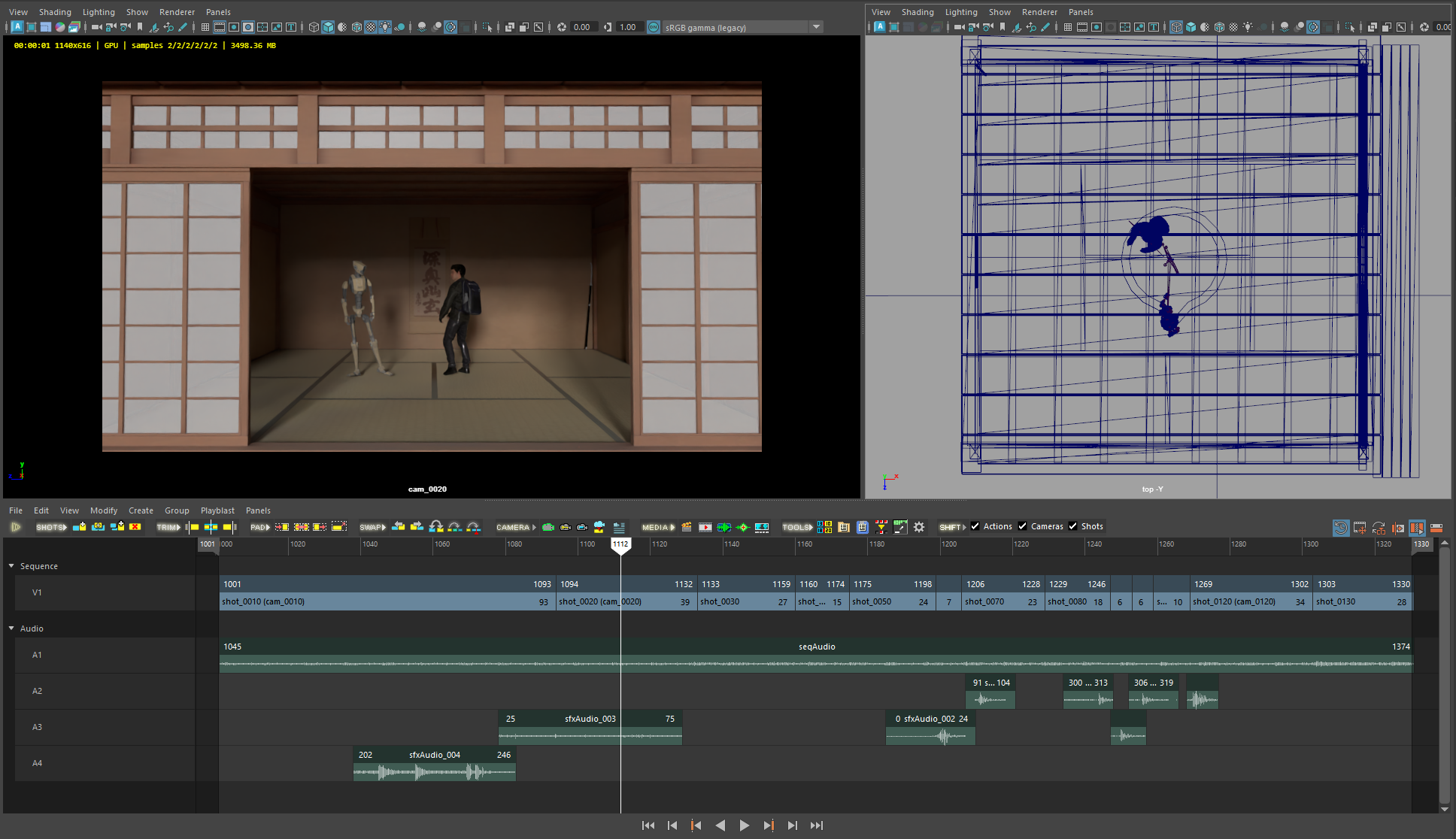
A complete overhaul of Maya's Camera Sequencer

  • Simplifies Shot, Animation and Audio editing
  • Works instantly for students and small teams
  • Merges into existing studio pipelines and workflows
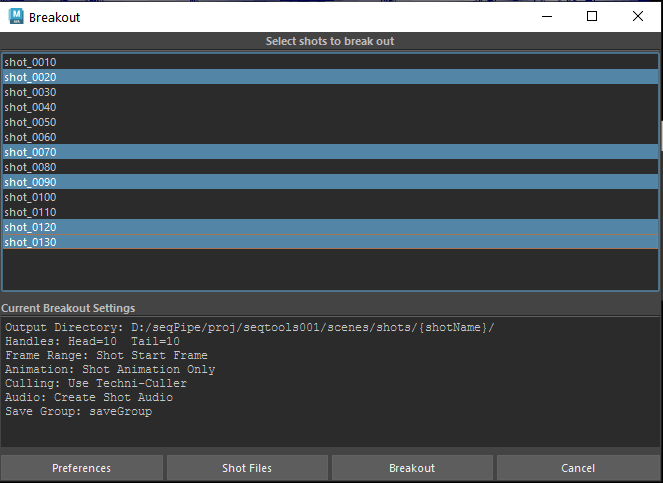
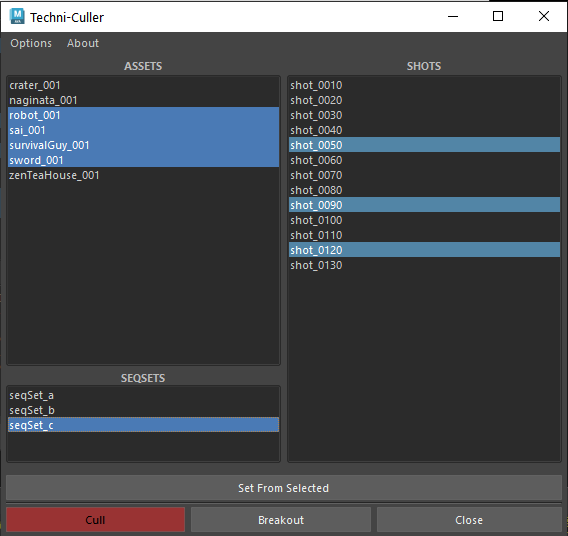
  • Takes sequences from initial creation to individual shots
  • Options for data, asset, task and project management

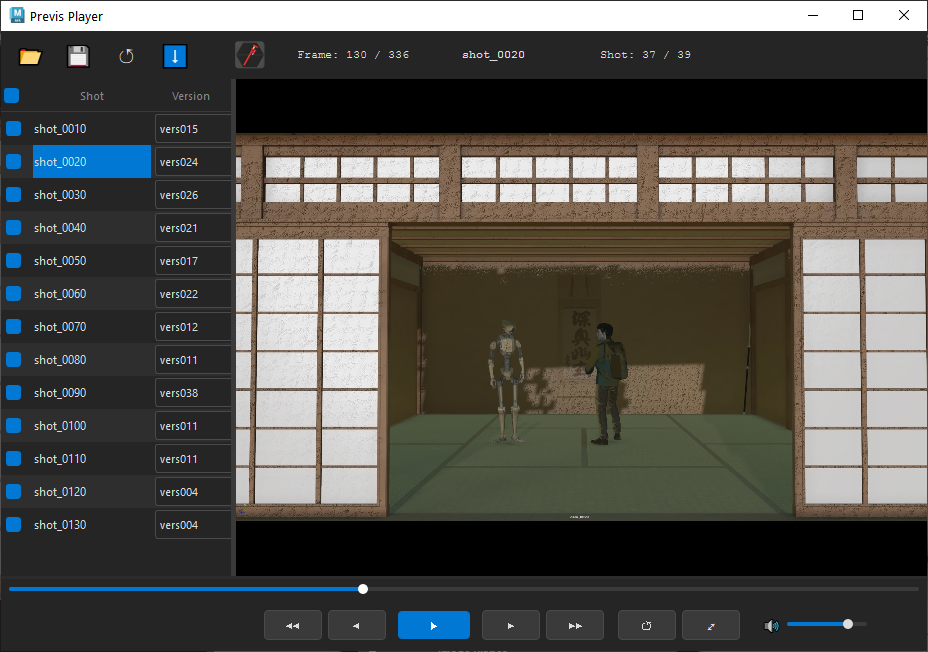
sequence → shot → task → asset → breakout — one connected pipeline, tool by tool.

The toolset

Six tools. One connected pipeline.

Standalone tools that work on their own — plus a pipeline core that ties data, assets, and tasks together. Sold in packages.

Standalone tools

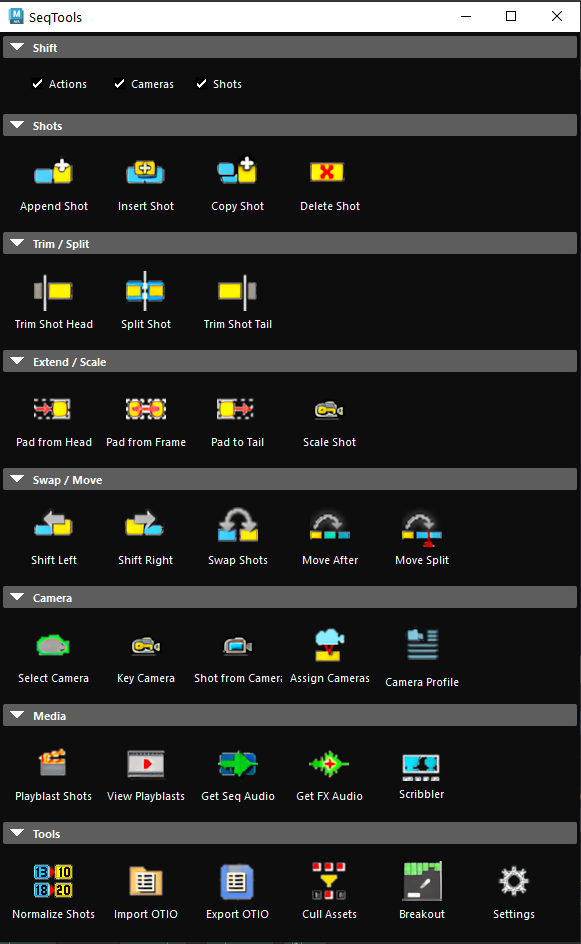
Seq Tools
Seq Tools The reimagined Camera Sequencer — shot, animation and audio editing right in Maya's timeline.
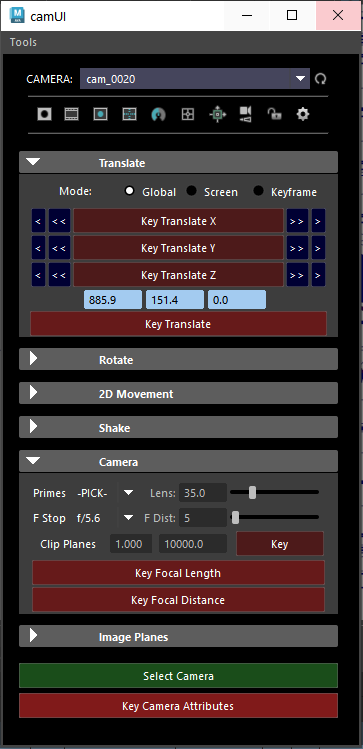
Camera Master
Camera Master Full camera control — translate, rotate, lens, and keying in one focused panel.
Seq Toolbox
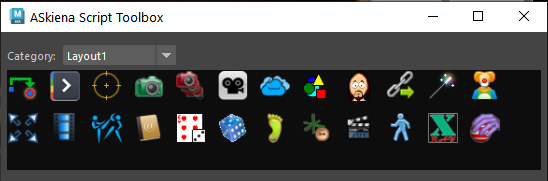
Seq Toolbox A customizable launcher for your most-used scripts and actions, organized by category.

The pipeline — Seq Library & Taskmaster require Seq Pipe

PIPE
Seq Pipe core The foundation — maintains projects, sequences, shots, assets and tasks. Everything connects to it.
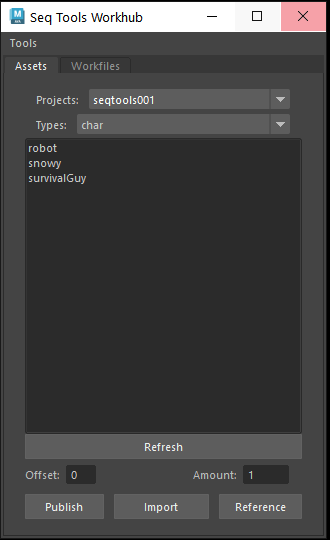
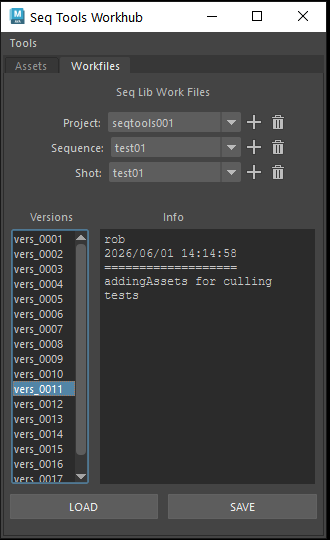
Seq Library
Seq Library Curates work files, versions and published assets — no more hunting through directories. Requires Seq Pipe
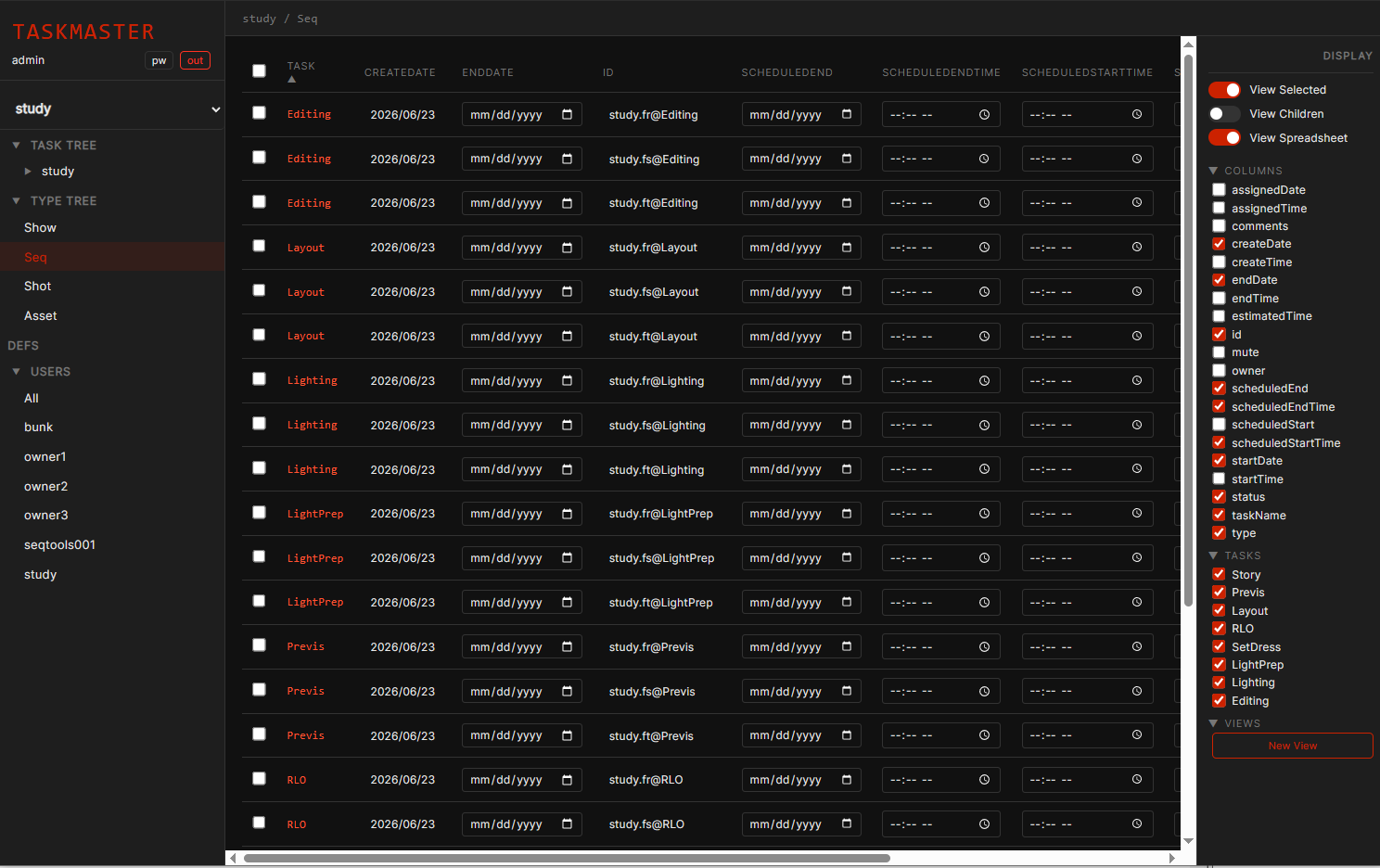
Seq Pipe Taskmaster
Seq Pipe Taskmaster Manages tasks, deadlines, assignments and teams in the browser. Requires Seq Pipe

Built like a pipeline, not a plugin

One session. Every tool speaks it.

Start a project once and every tool inherits the same shots, tasks, and paths. No re-pointing, no per-tool setup — the pipeline is the shared ground they all stand on.

sq010_sh020 · layoutpublished
sq010_sh030 · animationin progress
sq010_sh040 · animationassigned
sq020_sh010 · blockingassigned
sq020_sh020 · —open

Packages

Buy the bundle, not the piece.

Four packages, from a single artist trying things out to a studio running the whole pipeline. Every package is a real license, managed from your account.

Compare packages Who makes this?